Log In and Open Your Repository
Use this page to sign in to SliceVault, complete MFA, and open the correct repository.
1. Open the Login Page
Use a modern browser on a computer. Tablets and mobile devices are not recommended for normal SliceVault work. See system requirements.
Go directly to https://login.slicevault.com, or go to slicevault.com and click Sign in.
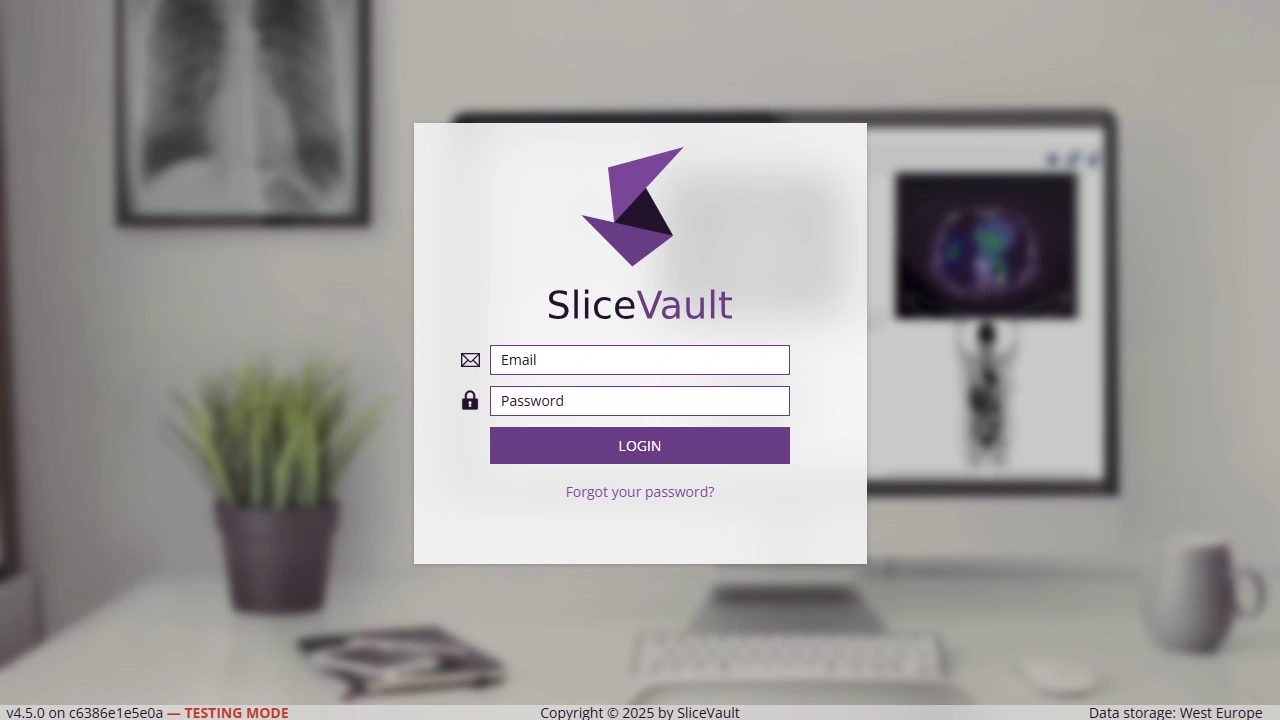
2. Enter Your Email and Password
Enter your email address and password, then click Login.
If you have forgotten your password, type your email address in the username field, then click Forgot your password? on the login page. SliceVault will send an email with instructions for setting a new password.
3. Complete Multi-Factor Authentication
After login, check your email for the authentication code and enter it on the MFA page.
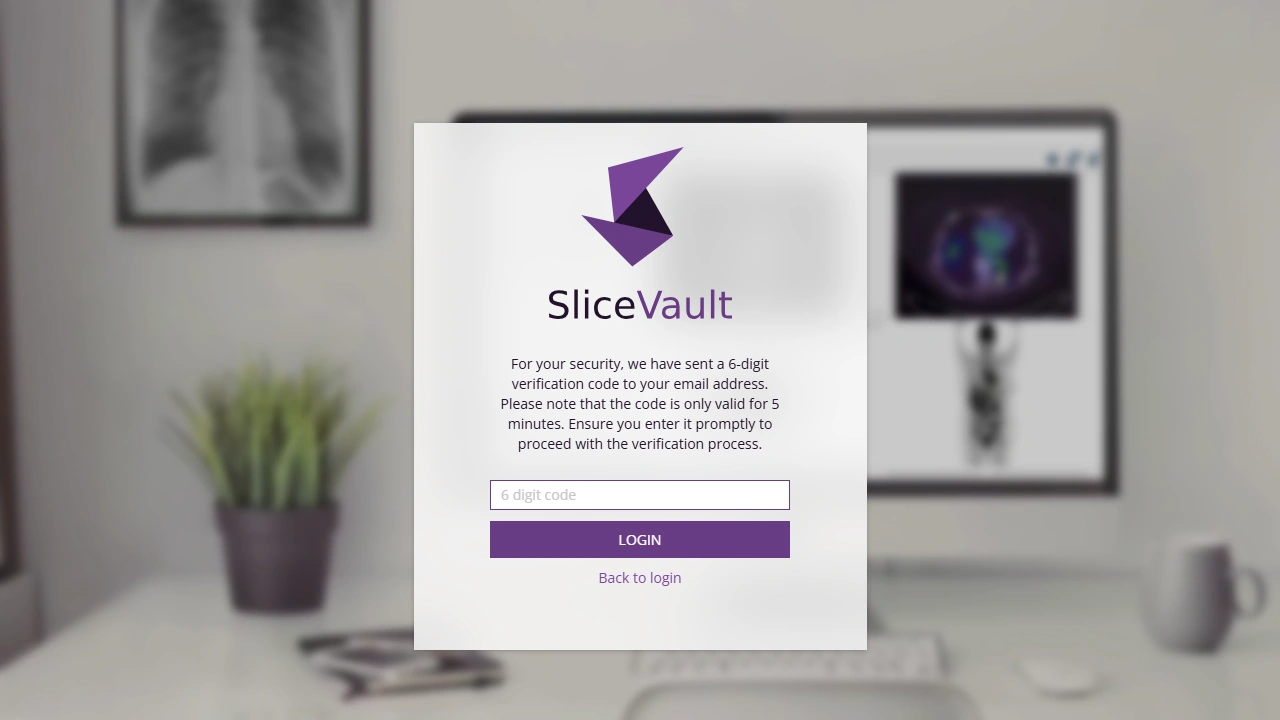
The code is valid for 5 minutes. Your device is normally remembered for 30 days, so you should not need to enter a code every time from the same device. If MFA has been disabled for the study by the Trial Administrator, this step may not appear.
4. Select the Correct Repository
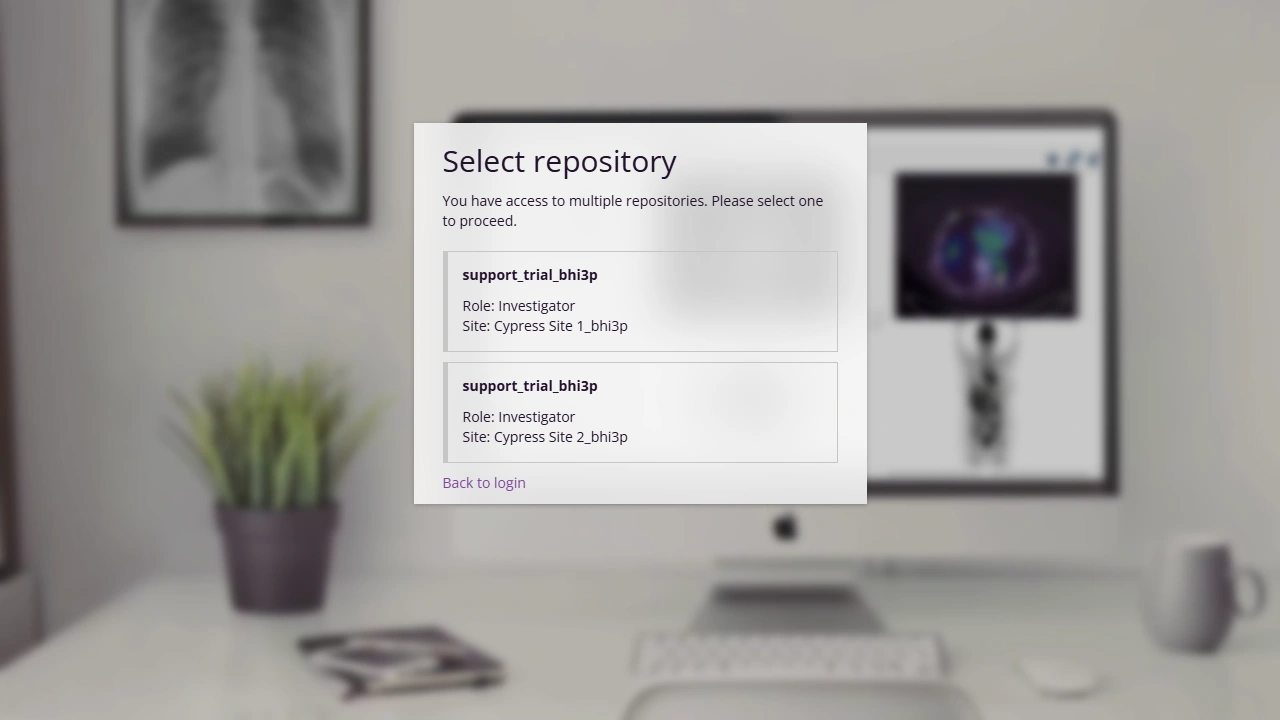
If you only have one study and one role, SliceVault usually opens the repository directly. If you have several repositories or roles, choose the correct one from the list.
Common Login Questions
- Why can’t I log in?, if you forgot your password or cannot reach the repository
- Why didn’t the password reset email arrive?, if the reset email does not reach your inbox
- Why can’t I see the right repository after logging in?, if login succeeds but the repository is missing
Password Security
- First-time users are usually required to change their password after the first login.
- Users are prompted to update their password every 90 days.
- Passwords must meet the Password Requirements.
Next Step
After login, continue to your role guide. If something is blocking you or appear incorrect, continue to Troubleshooting.