Select Series
Before SliceVault can complete the upload, each detected image series must be assigned the correct study label.
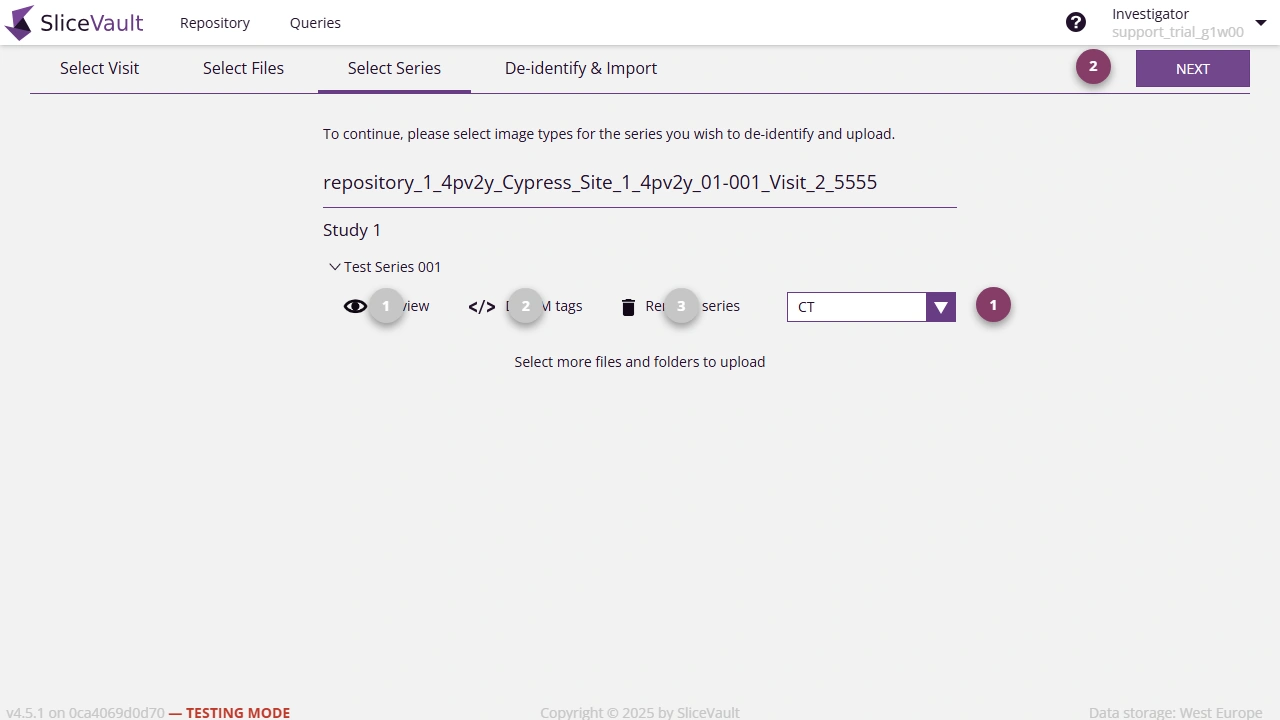
- Choose the correct label for each series. Repeat until all required series have labels.
- Click Next to continue.
Other Available Actions
You can also:
- preview the series in the viewer
- inspect DICOM tags
- remove a series you do not want to upload
If You Cannot Continue
If Next stays disabled, make sure that every series that should be uploaded has been assigned a label.
If “Select Image Type” Shows No Labels
If the label selector opens with Select Image Type but there are no available labels to choose from, that series cannot be labeled and Next stays disabled until every remaining series has a label.
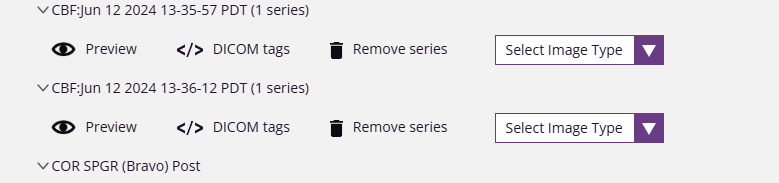
This usually means the current project configuration does not support that type of image.
There are two ways forward:
- Remove that series from the upload if it should not be included.
- Contact your study sponsor or main study contact so the project configuration can be updated to support that image type.