Select Visit
After starting the upload from the repository, the first upload step is to choose the visit that should receive the data.
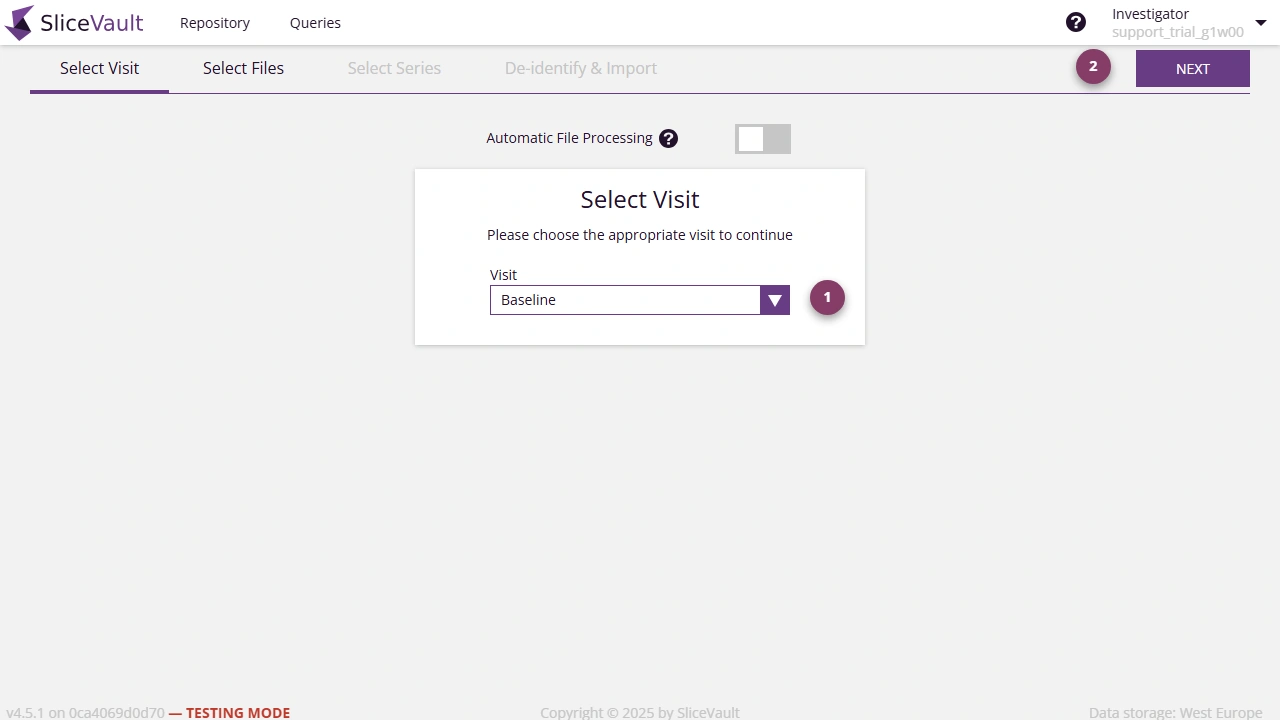
- Select the correct visit from the list.
- Click Next to continue.
Choose carefully. The visit assignment controls where the uploaded data appears in the workflow, and you cannot change this selection later in the upload.
If the Visit Is Missing
The visit is usually unavailable because it is locked for more uploads or not open in the study workflow.
If you expected the visit to be available, continue to Why Can’t I Select the Right Visit for Upload?.