Edit a Completed QC Form
Sometimes a QC form needs to be corrected after it has already been completed. In SliceVault, the exact edit process depends on the current visit status and your study configuration, but the updated form is handled from the same viewer area used for the original QC review.
Reopen the Visit
Open the visit from the repository and go to the DICOM Viewer from the Visit Dashboard. If the form has been made available for editing again, the previous answers remain visible and can be reviewed directly in the viewer.
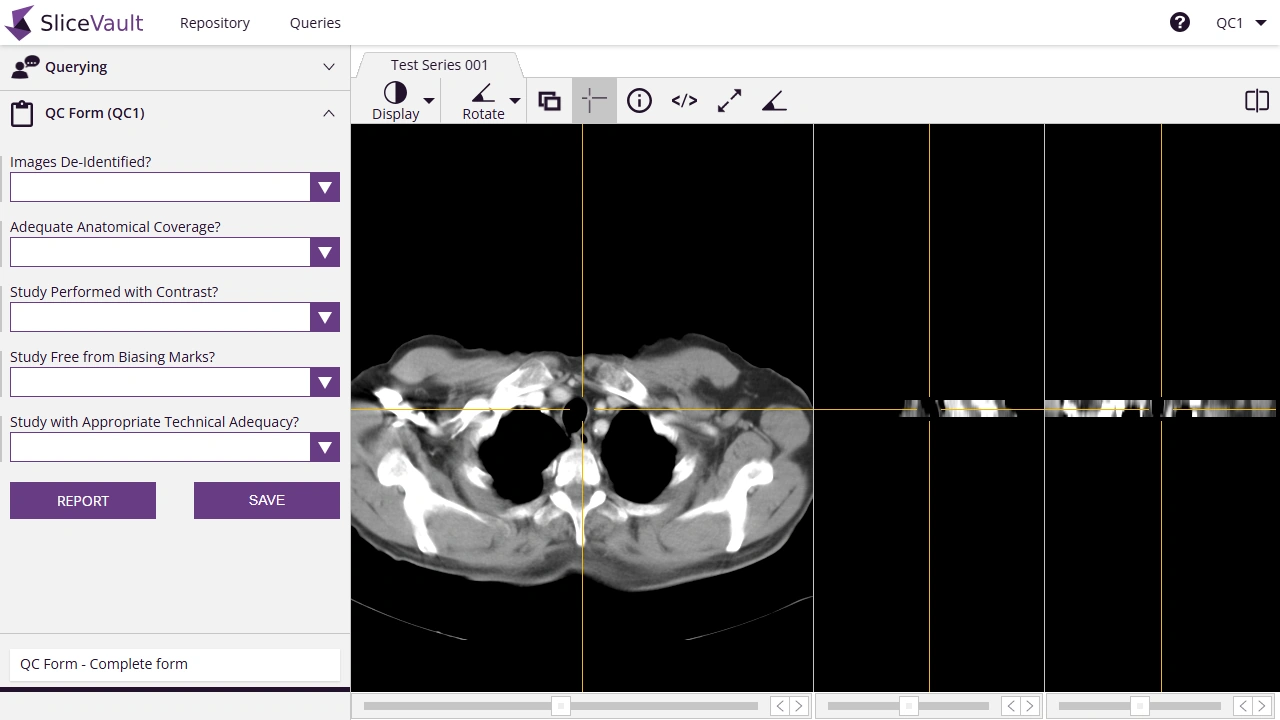
Update the Form
- Review the existing answers and update the fields that need correction.
- Save the revised values in the form.
- Return to the Visit Dashboard and complete the workflow step again if the visit status requires it.
If prompted, complete the electronic signature process before saving or finalizing the change.
Reset Versus Edit
There are two common ways to correct QC form data:
- Edit the completed form when the visit has been reopened for changes and you only need to adjust specific answers.
- Reset the checklist when the study requires the QC form to be cleared and completed again from the start.
For the standard QC workflow, see Complete QC Form. For the final status update after corrections, see Complete QC Check.