Assign Patient ID
When uploading data for a new patient, SliceVault asks you to assign the patient ID after the upload step finishes.
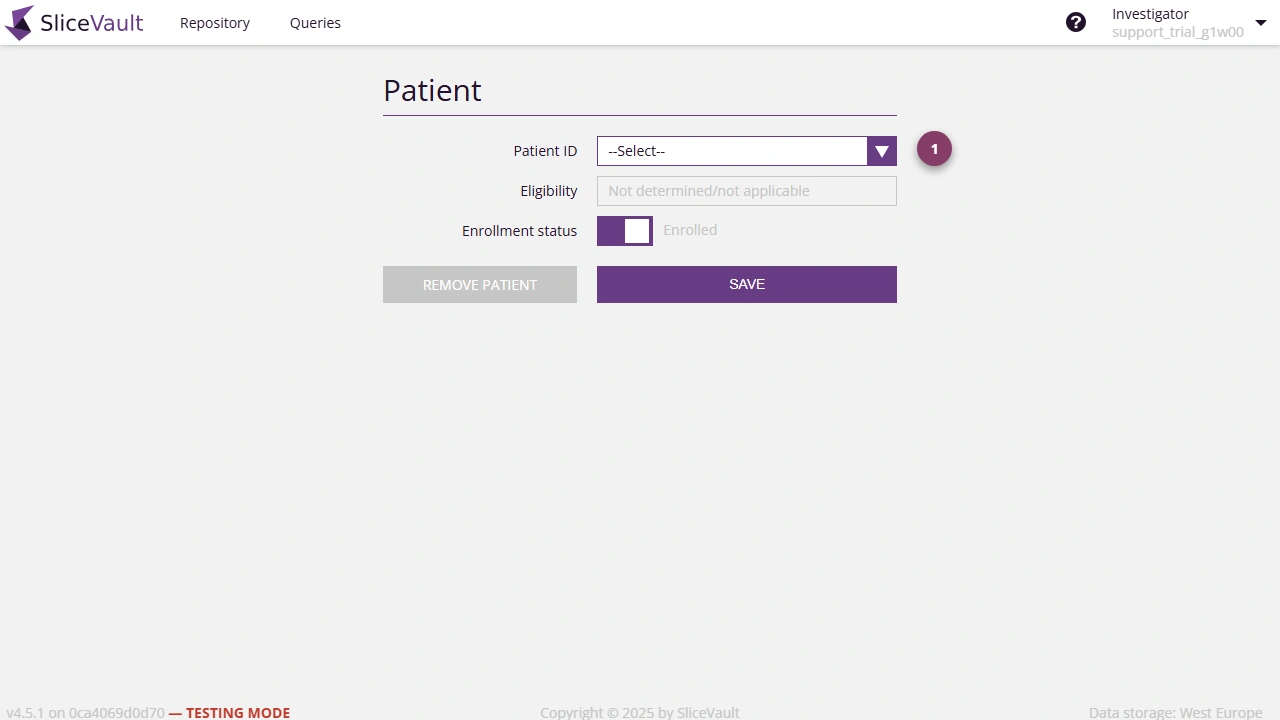
- Use 1 to enter or confirm the patient ID before saving the new patient record.
Depending on the study, you may choose an ID from a pre-assigned list or enter one manually.
Compliance note: Do not use patient identifiers that could reveal the subject’s identity.
Next Step
After the patient ID is saved, continue to:
- Open the Visit Dashboard
- Complete Data Transfer Form, if required by the study
- Complete Submission