Download Data
You can view and download data directly from the Visit Dashboard. You can download the entire visit or individual images depending on your needs.
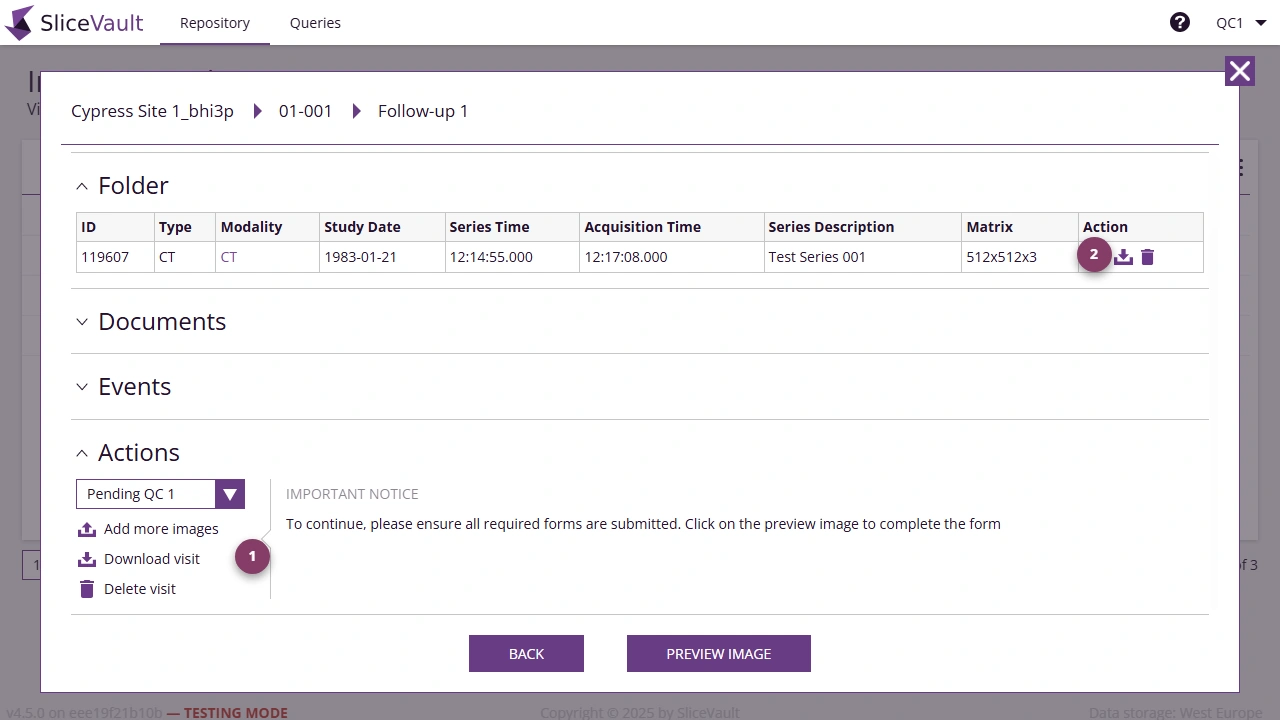
- Use 1 to download the full visit package from the Actions section.
- Use 2 to download an individual file from the Folder section.
For repository reports and shared export concepts, see Reports and Exports.