Why Can’t I Log In?
Use this page if the problem starts before you can reach the repository.
Check These First
- Confirm that you are using the correct email address and password.
- If the password is unknown, enter your email address on the login page and click Forgot your password?.
- If multi-factor authentication fails, request a fresh code (by typing username and password again) and use the newest email.
- If you have tried the wrong password several times, the account may be suspended after five failed attempts. Contact the Trial Administrator or study contact to restore access. Trial Administrators can follow Unblock a Locked User.
- If the username and password appear correct but login still fails, check the invitation email and confirm that you are using the correct SliceVault login URL.
- If login works but the right repository does not appear, continue to Why can’t I see the right repository after logging in?.
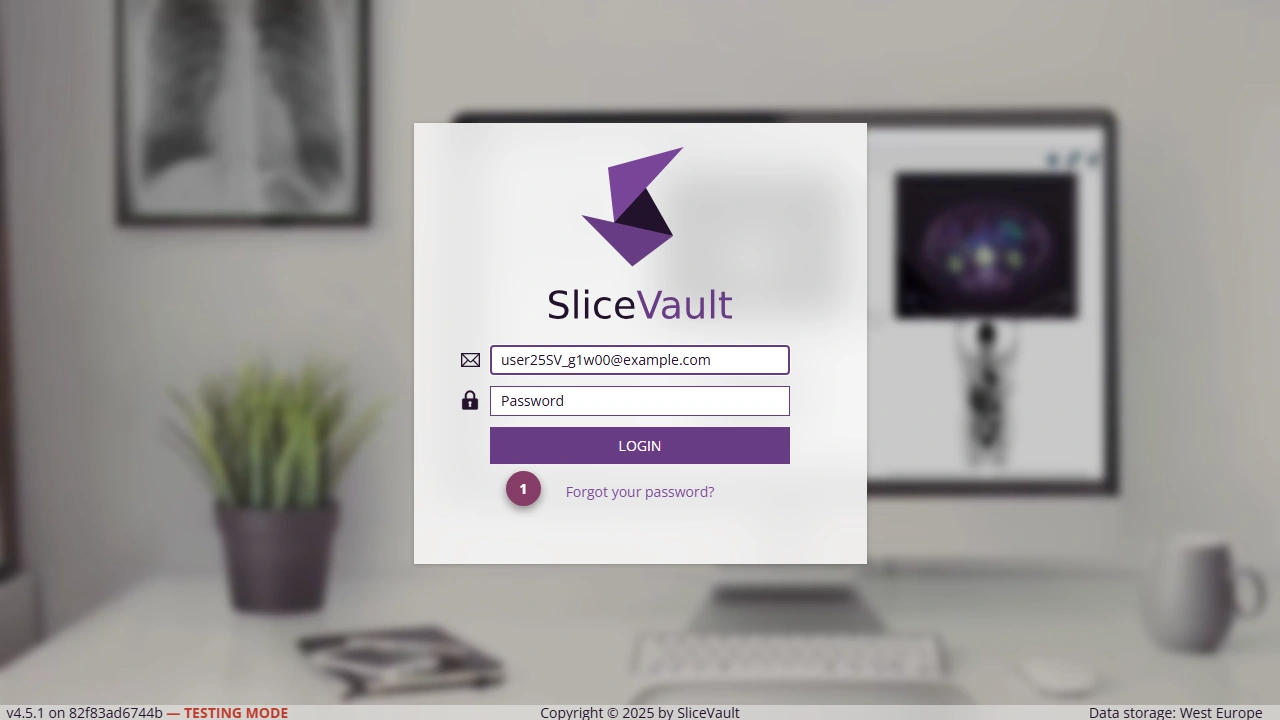
- Use 1 to request an email with instructions on how to reset your password after you enter your email address.